
Parents & safety
What families should know.
Our games run on Roblox. That means Roblox accounts, Roblox parental controls and Roblox's rules apply. Here is how that works for Grow a Dino, in plain words.
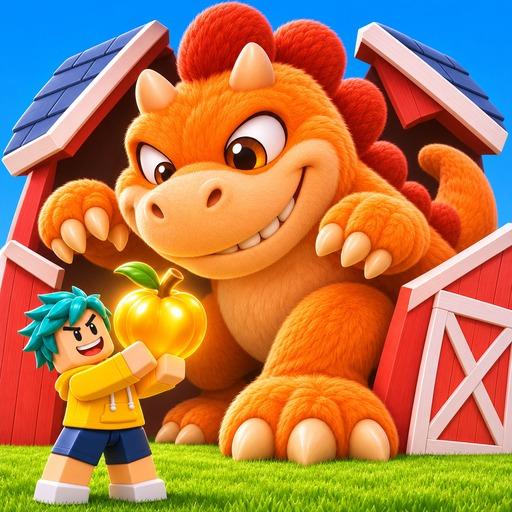
Grow a Dino at a glance
The game is in development and not yet open to the public. We will update this page when it launches.
- What players do
- Hatch eggs, feed dinos, grow them, collect them and trade them with other players.
- Price
- Free to play. Optional items can be bought with Robux, Roblox's virtual currency.
- Random items
- Roblox requires games to show the odds before a paid random item is bought. Grow a Dino is built to show the odds at every egg, as Roblox requires.
- Maturity label
- Every Roblox game gets a content maturity label from Roblox's questionnaire. You will find it on the game's Roblox page once it is published.
- Data in the game
- Game progress (like dinos and coins) is saved with the player's Roblox user ID. We do not ask players for names, emails or other personal details in the game.
Roblox parental controls
These settings are provided and managed by Roblox, not by us. Summary as of November 2026; Roblox's own pages are the reference.
Parent account
Roblox lets parents link their own account to their child's account and manage most settings remotely from their own device.
Spending limits
Parents can set a monthly spending limit and turn on notifications for their child's purchases.
Screen time
Parents can set screen time limits for children under 13.
Maturity settings
Parents can adjust which content maturity ratings their child may play and block individual games.
Chat
Roblox requires an age check before chat features unlock. Parents can turn chat off.
Set up or change controls on Roblox
Questions about our game?
Parents can write to us any time. We do not ask for passwords. If anyone asks your child for a password, report it to Roblox.
Contact us